
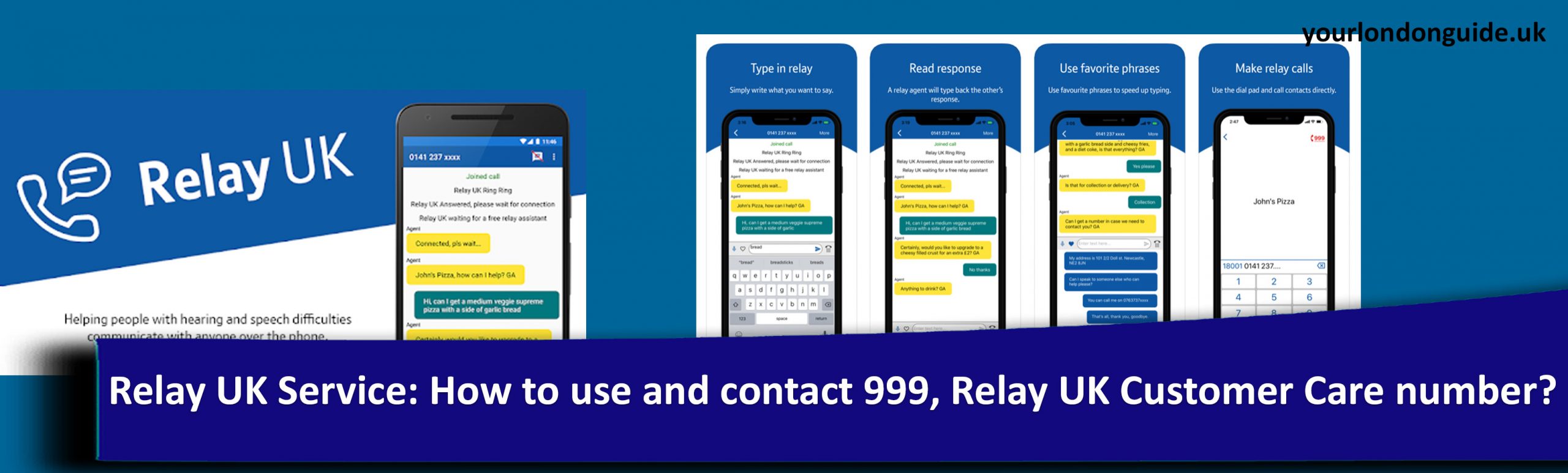
How to use Relay UK Service to contact emergency number 999?
How relay UK operator helps to make the emergency calls for deaf, speech impaired people in UK?
Dial 18000 instead of the normal 18001 through the app or from a textphone
Through the app
- Download Relay UK App on your device (Check below for the link)
- Tap 999 button
- Confirm if you need to make an emergency call
- If you are using NGT Lite, call 18000 on your phone’s dialler
- Now Click “Join” in the app
- 999 UK relay assistant will lift your call
- Mention what service you would need to and simply follow their responses in the app’s conversation window
- 999 relay UK operator will connect you to the prior emergency services
Through the textphone
- Call 18000
- Click which emergency service you would need to
- 999 UK relay assistant will lift your call
- Mention what service you would need to and simply follow their responses in the screen
- 999 relay UK operator will connect you to the prior emergency services
How to set up emergencySMS in UK?
Text emergencySMS and send to 999
- Register your mobile to use the emergencySMS service
- Text the word ‘register’ to 999.
- You will receive an automatic reply. Reply ‘Yes’ to that message.
- Once registered, you will receive a sms
Download Relay UK App for Apple (iPhone/iPAd/Mac), Android (Google play store), Windows 10 PC


Relay UK Customer Care Phone number, email, hours, address
Phone: 0800 7311 888
Email: relay.uk.helpdesk@bt.com
Hours: Monday-Saturday, 9am-6pm
Sunday, 9am-1pm
Public holidays, 9am-5pm (closed Christmas Day)
Postal address: Relay UK Team
Internal Box 14, Telephone House
170 – 175 Moor Lane
Preston
Lancashire
PR1 1BA
*You will be contacted in 5 working days after received your letter